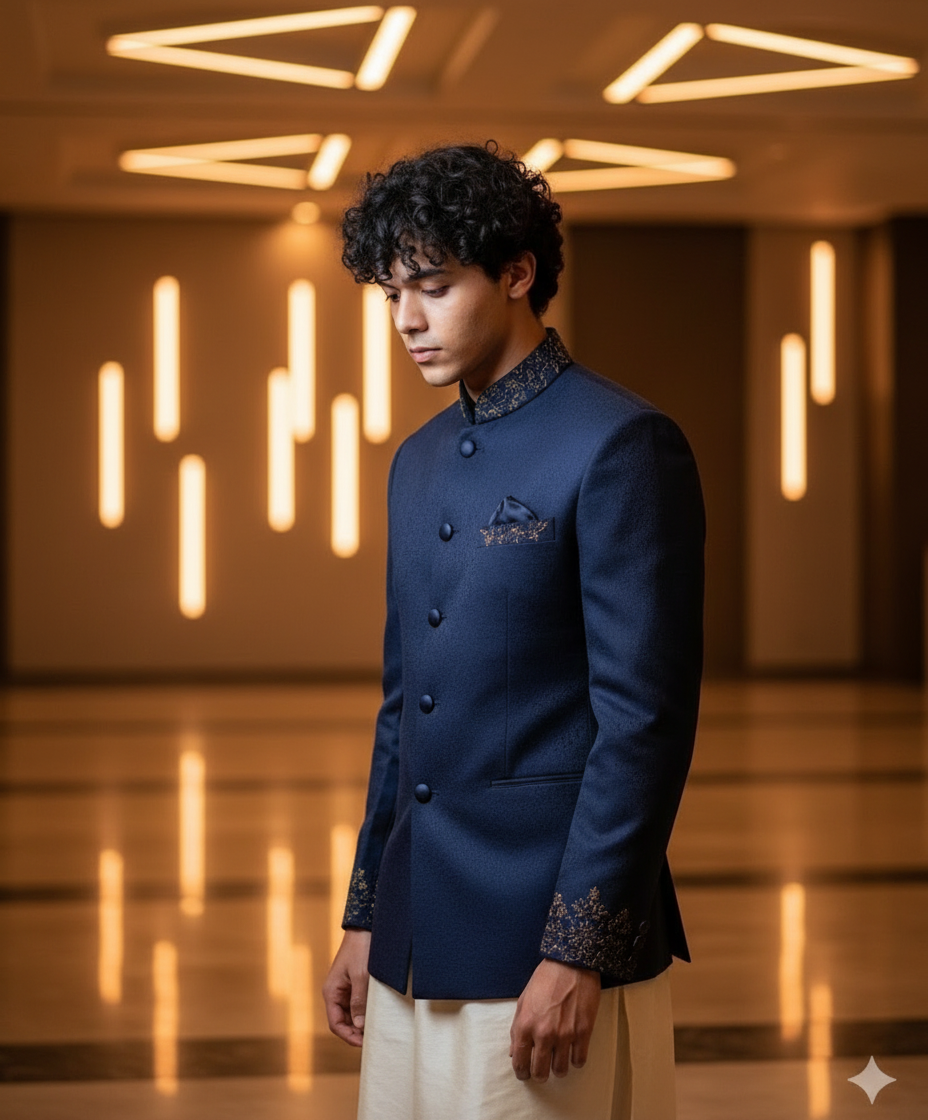
How It Works

1

Start Creating

Select a style and click "Use style" to move forward

Or click "Start creating" to explore and choose a style on the next page.

2

Choose or Edit Your Prompt

Use the default prompt with the selected style and continue.

Or click "Edit" on view prompt to customize the text and fine-tune how your image should look.

3

Upload Your Image

Upload the image you want to transform using karto.

Make sure the image is clear for best results, then click "Next"

4

Review And Confirm

Your uploaded image.

Make sure everything looks good before proceeding to generate your AI image.

5

Transform Your Image

Our Ai processes your image and tranforms it based on your selected style and prompt.

Your generated image will appear on the result page.

6

Download,Share or Regenarate.

Download the image.

Share it instantly.

Regenerate if needed.